ShadowsocksR服务端安装教程
时间:2016-09-10 来源:github 作者:breakwa11 条评论
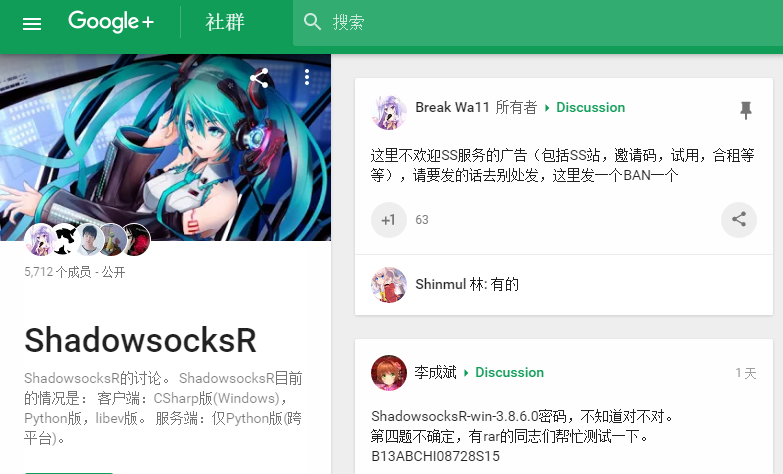
此教程为单用户版,适合个人用户。如果你是站长,请查看多用户版教程:
数据库多用户教程
json版多用户教程(仅一台服务器适用)
1. 基本库安装
以下命令均以root用户执行,或sudo方式执行
centos:
yum install git ubuntu/debian:
apt-get install git 2.获取源代码
git clone -b manyuser https://github.com/breakwa11/shadowsocks.git执行完毕后此目录会新建一个shadowsocks目录,其中根目录的是多用户版(即数据库版,个人用户请忽略这个),子目录中的是单用户版(即shadowsocks/shadowsocks)。
根目录即 ./shadowsocks
子目录即 ./shadowsocks/shadowsocks
3.服务端配置
进入子目录:
cd shadowsocks/shadowsocks 3.1 快速运行
python server.py -p 443 -k password -m aes-256-cfb -o http_simple #说明:-p 端口 -k 密码 -m 加密方式 -P 协议插件 -o 混淆插件 如果要后台运行:
python server.py -p 443 -k password -m aes-256-cfb -o http_simple -d start 如果要停止/重启:
python server.py -d stop/restart 查看日志:
tail -f /var/log/shadowsocks.log 用 -h 查看所有参数
3.2使用配置文件运行
建立配置文件,如果你的ss目录是
通过执行
/root/shadowsocks通过执行
cp config.json user-config.json快速创建一个修改
https://github.com/breakwa11/shadowsocks-rss/wiki/config.json
user-config.json中的server_port,password等字段,具体可参见:https://github.com/breakwa11/shadowsocks-rss/wiki/config.json
运行子目录内的server.py:
python server.py 如果要在后台运行:
python server.py -d start 如果要停止/重启:
python server.py -d stop/restart 查看日志:
tail -f /var/log/shadowsocks.log 4.更新源代码
如果代码有更新可用本命令更新代码
进入shadowsocks目录
执行
成功后重启ss服务
cd shadowsocks执行
git pull成功后重启ss服务
5.自启动
6.客户端
注:以下客户端只有windows客户端和python版客户端可以使用SSR特性,其他原版客户端只能以兼容的方式连接SSR服务器(SSR可兼容SS客户端)。
OSX上可使用GoAgentX的SSR插件。在你本地的 PC 或手机上使用图形客户端。具体使用参见它们的使用说明。
也可以直接使用 Python 版客户端(命令行)。
7.其它加密支持
安装libsodium即可支持 salsa20, chacha20, chacha20-ietf 加密
8.其它异常
如果你的服务端python版本在2.6以下,那么必须更新python到2.6.x或2.7.x版本
来自https://github.com/breakwa11/shadowsocks-rss/wiki/Server-Setup
开发者Twitter:https://twitter.com/breakwa11
Blog:https://breakwa11.blogspot.com/
Github:https://github.com/breakwa11
Gitter: https://gitter.im/breakwa11/shadowsocksr
G+:https://plus.google.com/communities/117390969460066916686
BitTorrent Sync:BHS55LP54SO7A434QBB5Z2O6B7A45B2BX
